
If your question is why is Stickman Hook not loading, you’re not the only one. This is one of the most common problems players run into when trying to start the game quickly in a browser or on a mobile device.
Sometimes the game stays on a blank screen. Sometimes it freezes before the menu appears. In other cases, the page opens but the game itself never starts properly. The good news is that most loading issues are temporary and can usually be fixed with a few simple checks.
This guide explains the most common reasons Stickman Hook is not loading, what each problem usually means, and how to fix it step by step.
If the page is working normally for you again, you can go back and play Stickman Hook in your browser.
Common Reasons Stickman Hook Is Not Loading
There is no single cause behind every loading problem. In most cases, the issue comes from one of these areas:
- browser cache or temporary files
- unstable internet connection
- outdated browser version
- browser extensions interfering with scripts
- device memory or performance limits
- temporary page errors
- network or security restrictions
The key is to test the simple fixes first before assuming the game is fully broken.
>>> READ MORE: How to play Stickman Hook? A complete guide from experts
1. Refresh the Page First
The fastest fix is often the simplest one.
If Stickman Hook is stuck on a loading screen or blank page, refresh the page and wait a few seconds to see if the game initializes correctly on the second try.
A soft refresh is often enough when:
- the page loaded incompletely
- the browser timed out for a moment
- a script failed to initialize correctly on the first attempt
If a normal refresh does not help, try a hard refresh or reopen the page in a new tab.
2. Check Your Internet Connection
Stickman Hook is designed to load quickly, but it still needs a stable connection to load page resources and game assets correctly.
A weak or unstable connection can cause:
- incomplete loading
- missing game elements
- slow startup
- freezing before the game begins
If your connection feels unreliable, try:
- reconnecting to Wi-Fi
- switching to a stronger network
- turning mobile data off and back on
- loading another website to confirm whether the problem is site-specific or network-wide
3. Clear Browser Cache and Temporary Data
Old cached files can sometimes conflict with newer versions of page assets. That can lead to loading errors, broken scripts, or a blank screen.
Try clearing:
- cached images and files
- site data for the page
- temporary browser storage
Then reopen the page and test again.
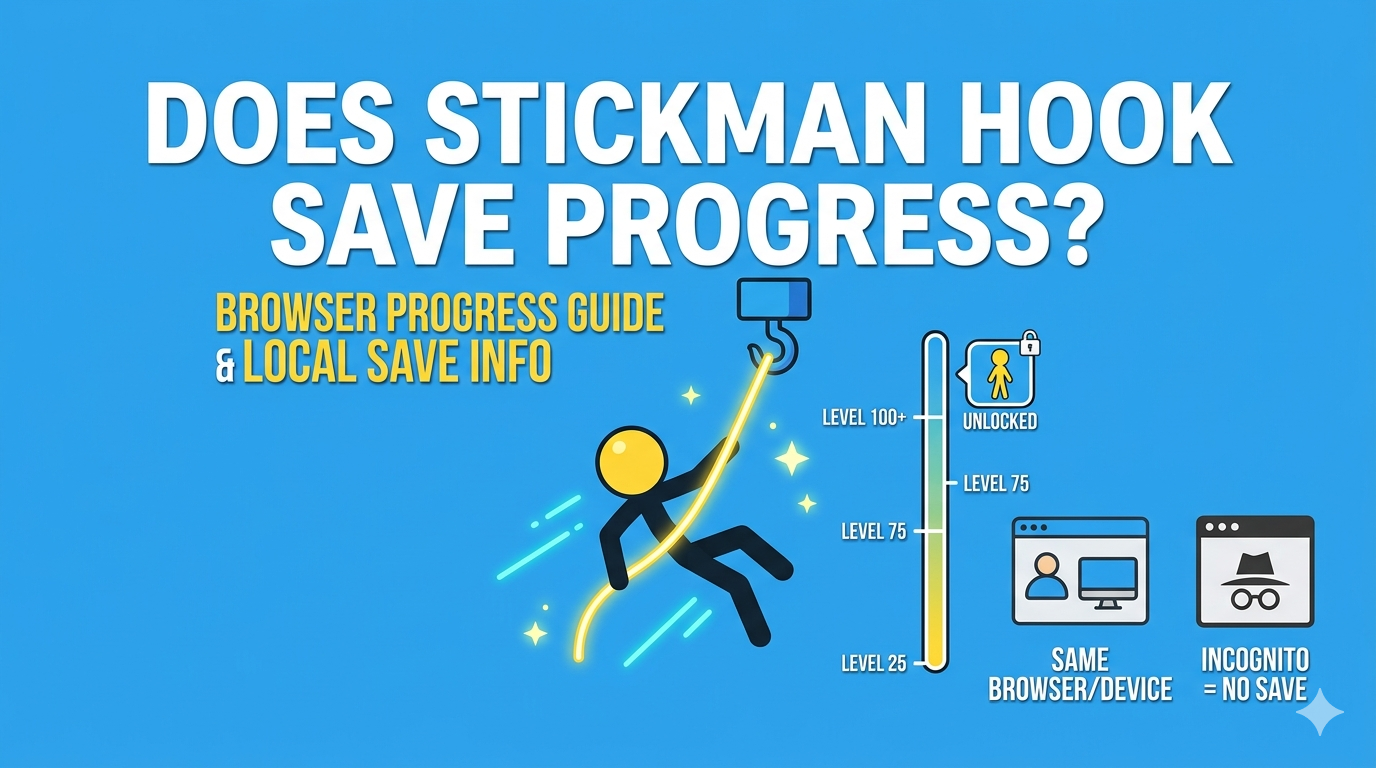
Keep in mind that clearing browser data may affect saved local progress in browser-based games. If you are concerned about that, read Does Stickman Hook Save Progress? before deleting site data.
4. Try a Different Browser
Sometimes the issue is not the game itself. It may be the browser environment.
If Stickman Hook is not loading in one browser, try another one. This helps you quickly find out whether the issue is caused by:
- browser-specific settings
- an outdated version
- an extension conflict
- stored cache problems in that browser only
For example, if the page fails in one browser but opens normally in another, the problem is usually local to your first browser setup.
5. Disable Extensions That May Interfere
Some browser extensions can block or interrupt game loading.
This is especially true for:
- ad blockers
- script blockers
- privacy extensions
- aggressive security add-ons
Not every extension causes problems, but if Stickman Hook is not loading, it is worth testing the page with extensions temporarily disabled.
If the game loads after that, you have likely found the source of the problem.
>>> EXPLORE FURTHER: Where to Play Stickman Hook? Desktop and Mobile
6. Check Whether Your Browser Is Up to Date
An outdated browser can create compatibility issues with modern scripts, rendering behavior, or browser-based game elements.
If you have not updated your browser in a while, install the latest version and try again.
This is a simple step, but it solves more loading issues than many players expect.
7. Restart the Browser or Device
If the game still will not load, restart your browser completely. If that does not help, restart your device.
This can clear temporary issues such as:
- memory overload
- frozen background processes
- browser instability
- stuck rendering tasks
It is especially helpful on mobile devices or low-memory laptops where too many open tabs may affect performance.
8. Check Whether the Problem Is Device-Specific
If Stickman Hook is not loading on one device, test it on another.
For example:
- if it fails on mobile, try desktop
- if it fails on one laptop, try another browser or device
This helps narrow the cause quickly. If it works elsewhere, the issue is probably related to your original device settings, performance, or browser environment.
9. Watch for Restricted Networks
Sometimes the page itself is fine, but the network you are using limits what can load.
This can happen on:
- school networks
- work networks
- shared public Wi-Fi
- networks with strict content filtering or security settings
If Stickman Hook is not loading on one network but works on another, the issue may be related to network restrictions rather than the game itself.
10. Check for Temporary Site or Hosting Issues
Occasionally, loading problems are temporary and happen because the page is under maintenance, certain resources fail to load, or a hosting issue slows everything down.
If you have tried:
- refreshing
- changing browser
- testing another device
- checking your internet
and the game still will not load, the issue may simply be temporary.
In that case, waiting a little and trying again later is often the best move.
What a Blank Screen Usually Means
A blank screen does not always mean the game is completely unavailable.
It often means one of these things:
- a required script did not run correctly
- browser resources were blocked
- cached files are conflicting
- the page loaded visually but the game engine did not start
That is why the best fixes are usually practical ones: refresh, clear cache, switch browser, and test another network.
What to Do If Stickman Hook Loads Slowly
Sometimes the game is not fully broken, but it loads much more slowly than expected.
This may happen because of:
- weak network speed
- too many open browser tabs
- low available memory
- background apps using resources
- temporary browser slowdown
To improve loading speed, try:
- closing extra tabs
- restarting the browser
- using a stable internet connection
- updating your browser
- testing on a device with better available memory
Does Clearing Cache Delete My Progress?
It can, especially in browser versions where progress is stored locally.
That is why you should be careful when clearing site data if you have already unlocked levels or made progress. In some cases, fixing a loading issue this way may come with the trade-off of losing local game data.
>>> DIVE DEEPER: Does Stickman Hook Save Progress? Browser and Mobile Guide
Quick Troubleshooting Checklist
If Stickman Hook is not loading, run through this list in order:
- Refresh the page
- Check your internet connection
- Try another browser
- Disable interfering extensions
- Update your browser
- Restart your browser or device
- Test another device or network
- Clear cache or site data if necessary
- Wait and retry later in case of a temporary issue
Most players solve the problem somewhere in the first few steps.
FAQ About Stickman Hook Not Loading
Why is Stickman Hook stuck on a blank screen?
A blank screen usually means the page or game resources did not load correctly. Common causes include cache issues, blocked scripts, browser conflicts, or a weak connection.
Why does Stickman Hook load in one browser but not another?
That usually points to a browser-specific problem such as stored cache, outdated software, extension conflicts, or browser settings.
Can ad blockers stop Stickman Hook from loading?
Yes, sometimes. Some ad blockers or script blockers can interfere with browser game resources and stop the game from starting normally.
Should I clear cache if Stickman Hook is not loading?
Yes, that is often a useful fix. Just remember that clearing site data may affect browser-based save progress.
Why does Stickman Hook not load on school or work Wi-Fi?
Some networks use filtering or security rules that can restrict page assets or scripts, which may stop the game from loading correctly.
Final Thoughts
If Stickman Hook Unblocked is not loading, the issue is usually more technical than serious. In most cases, the problem comes from browser cache, connection instability, blocked scripts, or temporary device and network issues.
The best approach is to start small: refresh the page, test your connection, try another browser, and only move to deeper fixes if those do not work. Most loading problems can be solved without much effort.
Once everything is working again, head back to Stickman Hook and keep playing in your browser.
>>> THINGS YOU MAY NEED TO KNOW: