

One of the most common questions players ask is whether Stickman Hook saves progress automatically. It is a fair question, especially if you have already unlocked new levels, spent time retrying difficult stages, or switched between devices and expected your game to continue where you left off.
The short answer is: Stickman Hook can save progress, but the way it saves depends on where and how you play it. In many cases, browser-based progress is stored locally on the device and browser you are using, while app versions may manage progress differently.
If you want to jump back into the game first, you can play Stickman Hook directly in your browser.
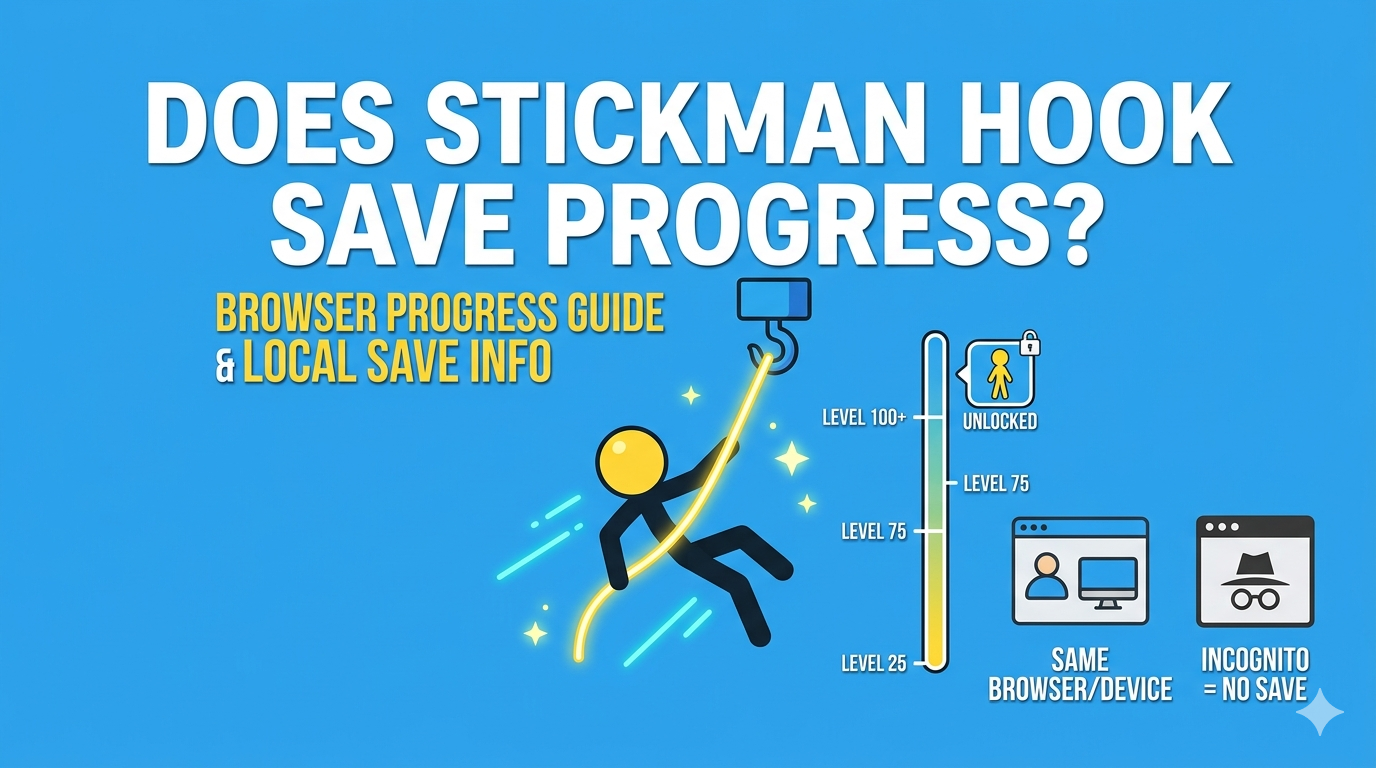
Does Stickman Hook Save Progress Automatically?
In most cases, yes, Stickman Hook saves progress automatically, but not always in the same way across every version of the game.
Players usually do not need to press a manual save button. Instead, progress is often stored automatically while you play. That can include:
- unlocked levels
- recent level progression
- cosmetic unlocks in some versions
- basic local session data
However, this does not always mean your progress is tied to a universal online account. That is where many players get confused.
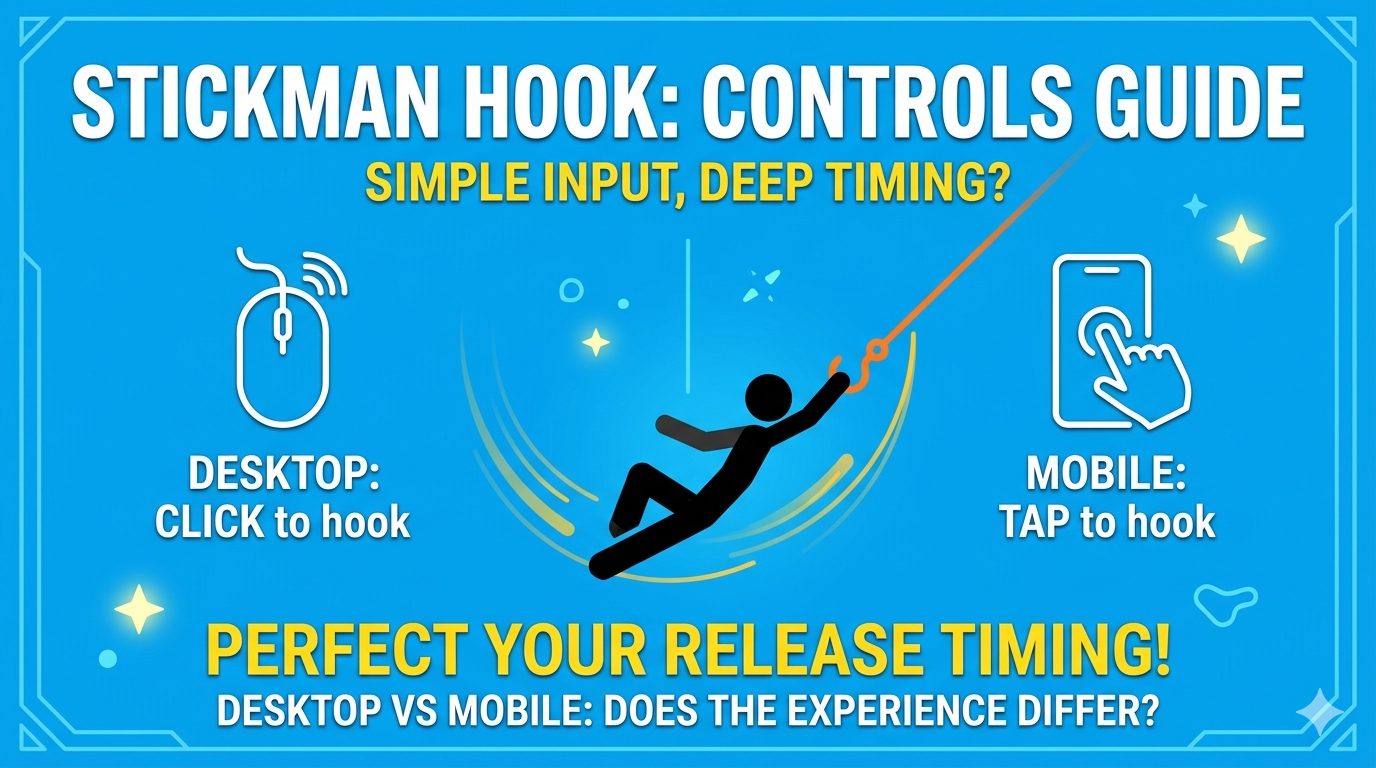
>>> LEARN MORE: Stickman Hook Controls: How to Play on Desktop and Mobile devices
How Save Progress Usually Works in Browser Versions
If you are playing Stickman Hook in your browser, progress is often tied to the same browser on the same device.
That usually means:
- if you keep using the same browser on the same device, your progress may still be there when you return
- if you switch devices, the progress may not follow you
- if you clear browser data, cookies, or site storage, your progress may disappear
- if you use private browsing or incognito mode, progress may not be kept after the session ends
So while browser play is fast and convenient, it is usually best to think of it as device-based saving, not account-based cloud saving.
How Save Progress May Work on Mobile
On mobile, the experience can feel more stable, but it still depends on the version of the game and your device setup.
In some app-based cases, progress may be stored more persistently than in browser play. But even then, it does not automatically guarantee that:
- progress will sync across all devices
- uninstalling the app will preserve your save data
- changing phones will restore your levels automatically
That is why it is helpful to separate two ideas:
- saved locally on your current device
- synced across devices through an account or platform system
Those are not the same thing.
>>> READ MORE: Why Is Stickman Hook Not Loading? Fix Browser and Mobile Issues
Why Players Sometimes Lose Progress in Stickman Hook
There are several normal reasons why progress may seem to disappear.
1. Browser data was cleared
If site data, cache, cookies, or local storage are removed, browser-based progress can be reset.
2. You changed devices
If your progress was stored locally, moving from one device to another may look like starting from scratch.
3. You changed browsers
Using Chrome on one session and another browser later can cause progress not to carry over.
4. You used incognito or private mode
Private sessions often do not keep storage data once the session ends.
5. The game version is different
Different platforms or hosts may not handle progress in exactly the same way.
Does Stickman Hook Save Progress Across Devices?
Usually, you should not assume cross-device syncing unless the version you are using clearly supports it.
For many players, progress is safest when they:
- use the same browser
- use the same device
- avoid clearing site data
- return to the same version of the game
If you play on desktop today and then open a different version on mobile tomorrow, your progression may not continue from the exact same point.
Does Refreshing the Page Delete Progress?
Not always.
If the game stores progress locally and the browser keeps that storage intact, refreshing the page may not remove your progress. In many cases, your unlocked state or current progression will still remain.
But if something changes in your browser environment, such as a storage reset or privacy cleanup, the progress may no longer be available.
That is why some players refresh the page and keep their data, while others return later and see a reset.
How to Avoid Losing Progress in Stickman Hook
If you want the best chance of keeping your progress, follow these habits.
Use the same browser every time
This gives you the best chance of keeping local save data consistent.
Stay on the same device
Browser-based saves are often device-specific.
Avoid private browsing mode
Incognito and private sessions are more likely to reset your progress after the session ends.
Do not clear site data unless necessary
Deleting cookies, browser storage, or cached site data can remove progress.
Return to the same version of the game
Different sites or app versions may not share the same save system.
Is There a Manual Save Button in Stickman Hook?
In most versions, no. Stickman Hook is usually designed around automatic saving rather than manual save files.
That makes the game quick and easy to play, but it also means you may not always have full control over where and how progress is stored.
What Kind of Progress Matters Most?
When players talk about save progress, they usually mean one of these things:
- level progression
- unlocked stages
- skins or visual unlocks
- overall game continuity
Browser Play vs App Play for Save Stability
There is no single answer that fits every player, but in general:
- browser play is faster and easier to access
- app play may feel more persistent on one device
- neither should be assumed to offer full cloud sync unless clearly supported
For many casual players, browser save behavior is enough because the game is designed for short sessions and quick replay. But if you care about keeping long progression over time, it helps to be consistent with your device and browser.
>>> YOU MAY WANT TO KNOW: Where to Play Stickman Hook? Desktop and Mobile
Common Save Progress Questions
Does Stickman Hook save automatically?
Yes, in many versions the game saves automatically without a manual save button. The exact behavior depends on the platform and version you are using.
Can I keep my Stickman Hook progress if I change devices?
Not always. In browser-based play, progress is often tied to the same device and browser rather than synced across devices.
Will I lose progress if I clear my browser data?
You might. Clearing cookies, cache, or local storage can remove saved progress in browser versions.
Does incognito mode affect Stickman Hook saves?
Yes, it can. Private browsing sessions may not retain progress after you close the session.
Does refreshing the page erase progress?
Usually not by itself, but progress can still disappear if browser storage is reset or not preserved.
Final Thoughts
So, does Stickman Hook Unblocked save progress? In most cases, yes, but it is usually safest to think of that progress as local and session-dependent, especially in browser play.
If you want to avoid losing your levels or unlocked content, stay on the same device, use the same browser, and avoid clearing your site data unless you really need to. That small bit of consistency can make a big difference.
If you want to keep playing, head back to Stickman Hook and continue in your browser.
>>> THINGS YOU MAY NEED TO KNOW: