
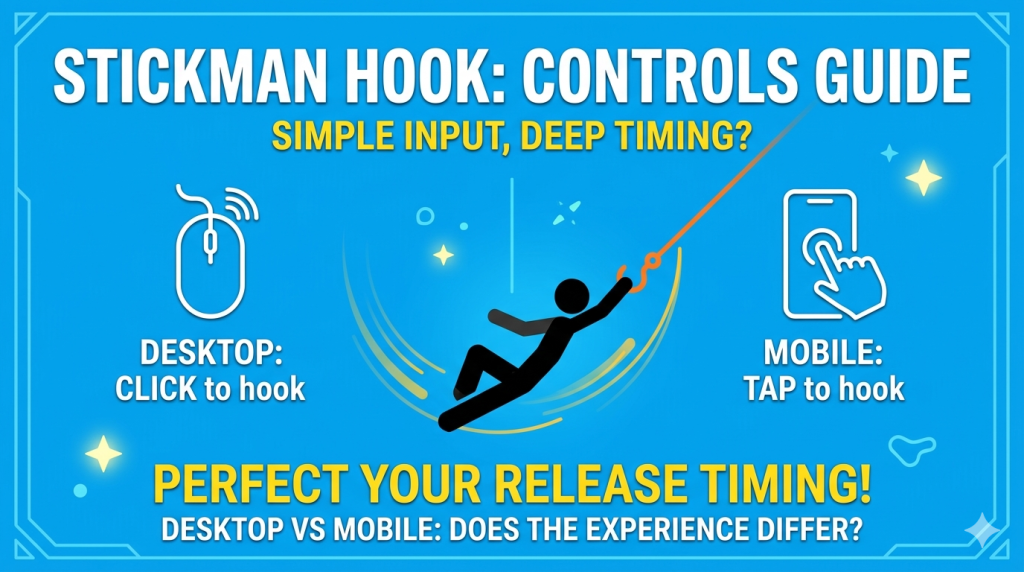
Playing Stickman Hook is easy to understand, but getting good at it takes timing. The controls are simple on both desktop and mobile, yet small differences in how you tap, click, and release can change the way each swing feels.
This guide explains the Stickman Hook controls, how they work on different devices, and what to focus on if you want smoother swings, better timing, and fewer failed attempts.
If you want to jump straight into the game, you can always go back to the main Stickman Hook page and play in your browser.
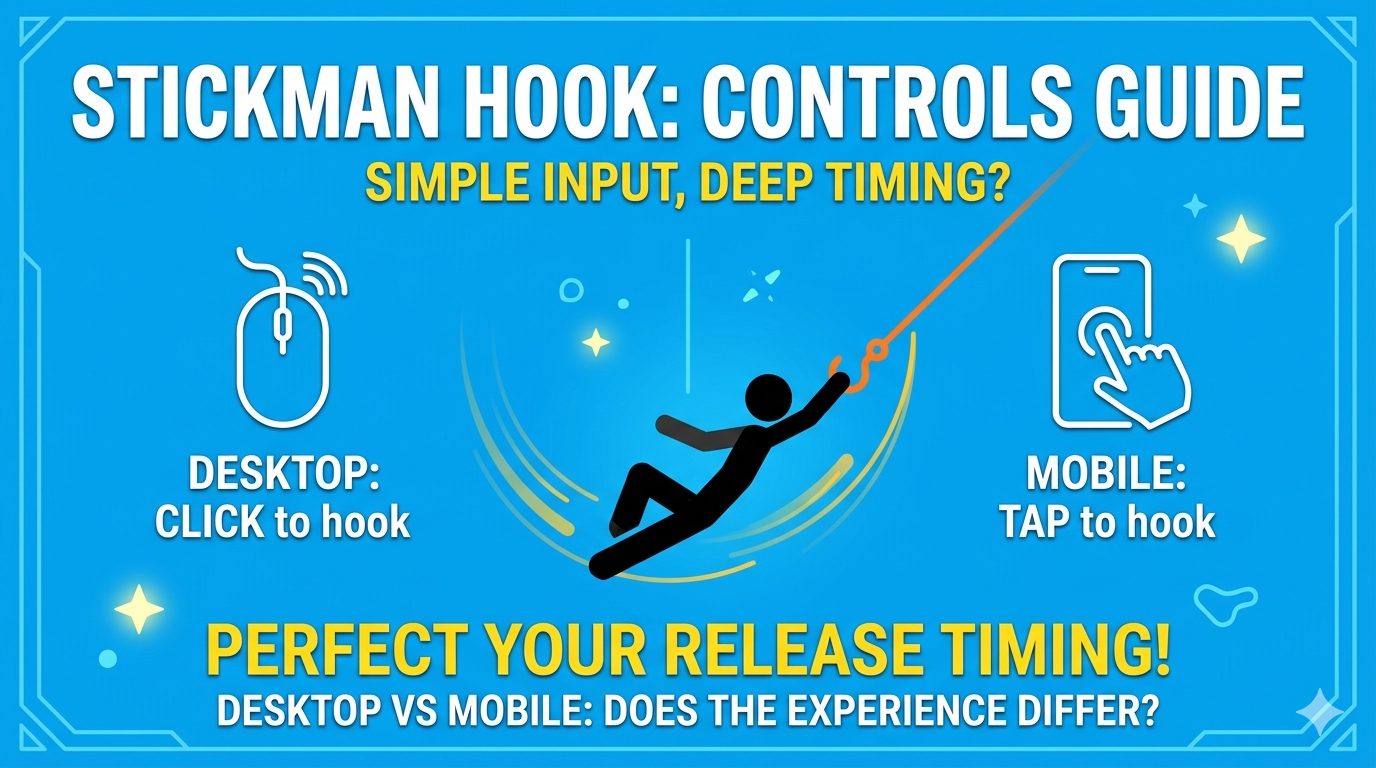
Stickman Hook Controls at a Glance
The controls in Stickman Hook are intentionally minimal.
Desktop Controls
- Left click and hold to attach your hook when you are within range of a point.
- Release the mouse button to let go and continue moving through the air.
- Click again to attach to the next point.
- Press the R key to restart a level instantly
Mobile Controls
- Tap and hold the screen to hook onto a point.
- Lift your finger to release.
- Tap again to catch the next swing point.
There are no complicated movement keys, attack buttons, or directional controls. Most of the game depends on hooking at the right moment and releasing at the right time.
>>> READ MORE: Does Stickman Hook Save Progress? Browser and Mobile Guide
How the Controls Actually Work
Even though the input is only click or tap, the game is built around momentum.
When you hold to hook your character to a point, your movement begins to swing in an arc. The longer or shorter you hold, the angle of your swing changes. Releasing too early can send you downward or leave you short of the next point. Releasing too late can throw you into obstacles or kill your speed.
That means the real control system is not just:
- hold
- release
It is really about:
- timing
- arc control
- speed management
- reading the next hook point
This is why Stickman Hook feels simple at first, but still rewarding after many levels.
Desktop vs Mobile: Is There Any Difference?
The core controls are the same, but the experience can feel slightly different depending on the device.
Desktop
Desktop usually feels more precise because:
- mouse clicks are quick and consistent
- a larger screen makes it easier to read the next hook point
- obstacles and level layout are easier to track
Desktop is often the better option if you want cleaner timing or just prefer browser play.
Mobile
Mobile controls are still simple, but a few things can affect the feel:
- smaller screens can make spacing harder to judge
- finger placement can partially block your view
- touch response may feel different across devices
That said, many players find mobile comfortable because the game only needs one finger and very quick reactions.
>>> READ MORE: Why Is Stickman Hook Not Loading? Fix Browser and Mobile Issues
The Most Important Control Skill: Release Timing
So how to play Stickman Hook perfectly? If there is one thing to practice in Stickman Hook, it is when to let go.
A good release can:
- carry you farther
- keep your momentum high
- line you up for the next point
- help you avoid spikes, walls, and bad angles
A bad release can:
- drop you too low
- make you miss the next hook point
- cause you to bounce awkwardly
- slow you down and ruin the flow of the level
Most beginners focus on hooking quickly. Better players focus on releasing cleanly.
Common Beginner Mistakes with Stickman Hook Controls
Because the controls are so minimal, mistakes usually come from timing rather than button confusion.
1. Holding too long
Many new players stay attached for too long and lose the line they need for the next jump.
2. Releasing too early
This often kills momentum and leaves the character too low to recover.
3. Watching only the current hook point
You should always look ahead to the next section of the level, not just the point you are using now.
4. Panicking and tapping too fast
Fast repeated tapping usually creates messy movement. Smooth timing is more important than frantic input.
5. Ignoring bounce opportunities
Some levels let you use pads or surfaces to recover even if your swing is imperfect. Learning when not to hook is also part of the controls.
Tips to Improve Your Control in Stickman Hook
Learn the rhythm of each level
Some levels reward fast releases, while others are easier when you wait for a wider swing.
Watch your character, not just the hook point
Your character’s body position helps you judge the best release moment.
Stay calm after a bad swing
A messy jump does not always mean the level is lost. Sometimes a late hook can recover your path.
Practice on the same level a few times
Repeating a level helps you understand how momentum builds and where the best release angles are.
Use desktop if you want more visual clarity
If mobile feels cramped, browser play on a larger screen can make timing easier.
Do You Need Keyboard Controls in Stickman Hook?
No. In most browser versions of Stickman Hook, keyboard controls are not necessary. But, you can press the R key to restart a level instantly
The main input is:
- mouse on desktop
- touch on mobile
That is one reason the game is so accessible. You do not need to memorize keybinds or learn advanced combos. The challenge comes from your timing and momentum, not from a complex control scheme.
Are Stickman Hook Controls Hard to Learn?
No, the controls are easy to learn in the first minute. What takes more time is mastering the feel of movement.
Most players understand the basics almost immediately:
- click or tap to hook
- release to move forward
- repeat until you reach the finish
The deeper skill comes from understanding when to swing wide, when to release early, and when to trust your momentum.
That balance is a big reason why the game stays fun even after many levels.
FAQ About Stickman Hook Controls
What are the controls for Stickman Hook on desktop?
On desktop, you usually use the left mouse button. Click and hold to hook onto a point, then release to let go and continue your movement.
What are the controls for Stickman Hook on mobile?
On mobile, tap and hold the screen to hook, then lift your finger to release.
Does Stickman Hook use keyboard controls?
No, keyboard controls are generally not required. The game mainly uses mouse input on desktop and touch input on mobile.
Why do the controls feel hard sometimes if they are so simple?
The inputs are simple, but the game relies on momentum and timing. The challenge comes from when you release, not from how many buttons you press.
Is desktop or mobile better for Stickman Hook?
Both work well, but desktop may feel easier for some players because the screen is larger and the mouse can feel more precise.
Final Thoughts
The Stickman Hook controls are simple by design, which is a big part of the game’s appeal. You do not need complicated button combinations to enjoy it. All you really need is good timing, a feel for momentum, and a bit of patience.
If you are new to the game, focus on clean releases and looking ahead to the next hook point. Once that starts to feel natural, the game becomes much smoother and more fun.
Ready to try it yourself? Go back to the main Stickman Hook Unblocked page and play online.
>>> THINGS YOU MAY NEED TO KNOW: